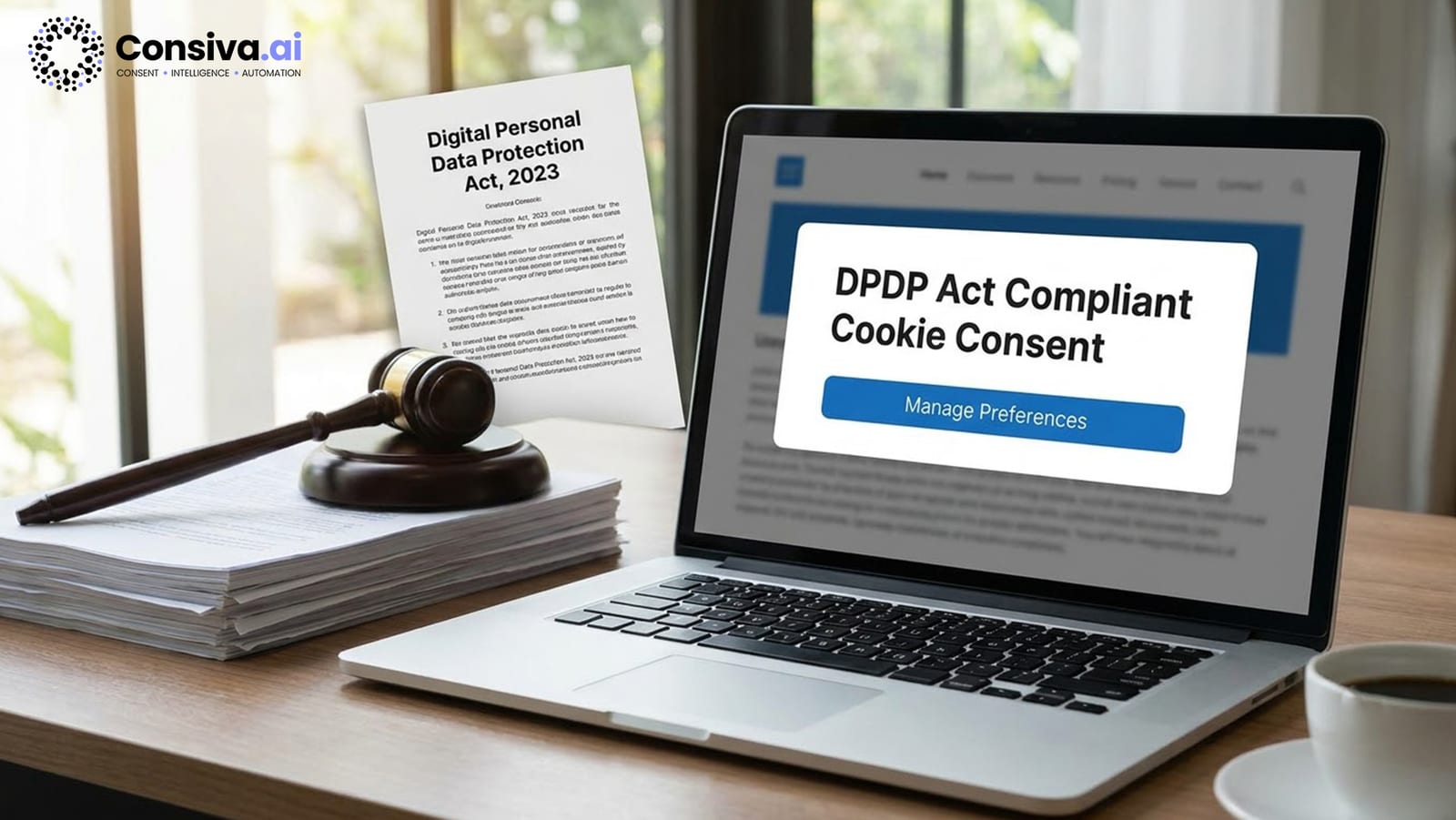
What the DPDP Act Says About Cookie Consent
The Digital Personal Data Protection Act 2023 does a lot to address cookie consent, particularly in sections 5, 6, and 7. To get this stuff right, it's essential to understand each of those sections — they lay the groundwork for any compliant implementation.
Section 5 — Notice: Before you start collecting personal data, you've got to give the Data Fiduciary (the company, etc. collecting the data) a clear notice on what data you are collecting, why they're collecting it, how people can pull out of it, where they can lodge a complaint, and who they're sharing it with. And this notice needs to be written in language that's clear and easy to understand.
Section 6 — Consent: The real key here is that consent has to be given freely, be specific to what it's for, be based on people knowing what they're doing, be unconditional — you can't try and sneak something past them, and be a clear 'yes' (not something ticked by default or bundled up with other things). This rules out some of the dodgier practices like the old 'by continuing to browse you agree to cookies' type of thing.
Section 6(4) — Withdrawal of Consent: The person giving the consent has got to be able to pull out of it just as easily as they gave it — and it's not just about telling them you've recorded it, it's about actually making sure that happens technically too.
Section 6(6) — No Coercion: The company collecting your data can't use it as a reason not to give you the service — you shouldn't get locked out of a website just because you've said no to the cookies.
Section 7 — Legitimate Uses: There are a few cases where you can process people's data without getting their consent first — like if it's for national security or a court case, to help someone in a medical emergency, or for certain public-interest things. But personalisation for advertising purposes, for example, requires consent.
A Key Point: According to the DPDP Act 2023 Section 6 — consent has got to be given freely, be specific, be informed, be unconditional, and have to be clear (unambiguous). You also have to make sure that withdrawing consent is just as easy as giving it in the first place (Section 6(4)).
Elements of a Compliant Cookie Banner
A DPDP-compliant cookie banner has to include the following — if you miss any of these, you've got a compliance gap:
- Data Fiduciary identification — your company name and contact details, clearly stated
- Cookie category descriptions — each category described with specific data collected and purpose
- Third-party disclosure — list of third parties receiving data, or a link to a full cookie/vendor list
- Accept All button — clearly visible, one-click acceptance of all non-essential categories
- Reject All button — equally prominent; same visual weight as Accept All (not smaller, grey, or hidden)
- Manage Preferences option — granular toggles for each cookie category, all defaulting to OFF
- Privacy Policy / Cookie Policy link — direct link to your full policy
- No pre-ticked categories — all non-essential categories must be off by default; users opt in, not opt out
Cookie Categories and What Requires Consent
| Category | Consent Required? | Common Examples | Max Penalty |
|---|---|---|---|
| Strictly Necessary | No — functional | Session tokens, cart IDs, CSRF tokens, load balancer, consent storage | Must still be disclosed |
| Analytics / Performance | Yes | GA4 (_ga), Hotjar, Mixpanel, Amplitude | Up to ₹250 Crore |
| Marketing / Advertising | Yes — highest risk | Meta Pixel (_fbp), Google Ads (_gcl_au), LinkedIn Insight Tag | Up to ₹250 Crore |
| Preferences / Functional | Yes — safer to obtain | Language preference (lang_pref), currency, dark/light mode | Up to ₹250 Crore |
Strictly Necessary (no consent required): Login session tokens, shopping cart cookies, CSRF security tokens, load balancer cookies, consent preference storage. No consent required before setting these, but they must be disclosed in your cookie policy.
Analytics / Performance (consent required): Page views, scroll depth, click paths, user journeys, session duration. Examples: GA4, Mixpanel, Amplitude, Hotjar. Must not fire before consent. Violations can attract penalties up to ₹250 Crore.
Marketing / Advertising (consent needed — high risk): When showing ads you build a profile of visitors' behaviour across websites — that's something that needs consent, e.g., a Meta Pixel or LinkedIn advertising tag, or Google re-targeting that lets you follow people around. Highest-risk category — collecting without consent can attract penalties up to ₹250 Crore.
Preferences / Functional (consent required): Language choice, currency, dark/light mode, regional content. Examples: lang_pref, currency_sel. Obtaining consent is the conservative and recommended position under DPDP, with the same ₹250 Crore maximum penalty if violated.
The Consent Withdrawal Requirement (Section 6(4))
Section 6(4) states: "A Data Principal shall have the right to withdraw consent at any time, with the ease of the same manner in which consent was given." This imposes specific technical obligations:
- A permanent "Cookie Settings" or "Manage Preferences" link must be visible on every page (typically in the footer)
- Clicking it must open the full consent interface — the same quality of UX as the original banner
- When a user withdraws consent, the effect must be immediate on the current page — not just on future page loads. Non-consented scripts must stop receiving data immediately.
- Every withdrawal event must be logged to the consent audit trail with a timestamp
A common failure: CMPs that update the stored consent preference but allow already-loaded analytics scripts to continue running until page refresh. This violates "as easy as giving" — acceptance takes effect immediately, so withdrawal must too.
Multi-Language Support
Section 5 requires consent notices in "clear and plain language." For Indian businesses: support at minimum Hindi and English for broad B2C platforms. For regional e-commerce and service platforms you'll want to also add the primary language of your target audience — that would be Tamil, Telugu, Bengali, Marathi, Gujarati, Kannada & Malayalam.
Consiva.ai supports all 22 Indian languages scheduled for consent banners to pop up — with a nifty feature of automatically detecting the browser's preferred language from the Accept-Language header or a handy language selector on the banner itself.
Implement DPDP-Compliant Consent in 15 Minutes
Consiva handles the entire consent flow — banner, enforcement, 22 Indian languages, audit trail, and withdrawal. One script tag to start.
Start Free on Consiva.ai — No Credit Card →Step-by-Step: WordPress Implementation
- Install the Consiva plugin — Search "Consiva DPDP Consent" in the WordPress Plugin Directory, or upload the ZIP from your Consiva dashboard. Activate.
- Enter your Site ID — Settings → Consiva → enter the Site ID from your Consiva dashboard. Select jurisdiction: India (DPDP Act 2023).
- Run the automatic cookie scanner — Consiva scans active plugins and themes and auto-detects known cookies (Google Analytics, WooCommerce, Jetpack, etc.), assigning them to categories.
- Review cookie category assignments — Confirm or correct the auto-assigned categories. Add any cookies the scanner missed.
- Enable Script Blocking Mode — Critical step. This prevents non-consented scripts from loading before consent is given. Without it, the banner is decorative only.
- Customise the banner — Set brand colours, position (bottom bar, modal, or corner widget), logo, and Privacy Policy URL. Configure language detection.
- Add Cookie Settings to your footer — Use the
[consiva-preferences-link]shortcode in your footer widget or template to create the persistent withdrawal link. - Test in incognito — Verify banner appears, all buttons work, and analytics does not fire before consent (check Network tab in DevTools).
Step-by-Step: Shopify Implementation
- Install Consiva from the Shopify App Store — Grant permissions: script tag injection and theme access.
- Remove pixel/analytics code from theme.liquid — Navigate to Online Store → Themes → Edit Code and remove any Meta Pixel, GA4, or Google Ads code added directly to theme.liquid. If left in place, these fire regardless of consent.
- Add scripts through Consiva — In the Consiva app → Managed Scripts: add your Meta Pixel ID, GA4 Measurement ID, and other tracking scripts. The app injects them conditionally after consent.
- Add Cookie Settings block to footer — Theme Editor → Footer section → Add block → Consiva Preferences Link.
- Configure banner settings — Set text, cookie categories, language detection, DPDP jurisdiction. Shopify-specific presets handle Shopify Analytics automatically.
- Test in Shopify Theme Preview — Private browser window → DevTools → Network tab. Verify no analytics requests appear before consent. Accept analytics only → verify GA4 fires, Meta Pixel does not.
Step-by-Step: Custom HTML/JS Implementation
Step 1: Get the Consiva SDK added to your <head> before any other scripts start kicking in:
Step 2: Take your analytics code out of the HTML. Then add those scripts in the Consiva dashboard as Managed Scripts. The SDK will place them in after the user agrees.
Step 3: Put a link for saved choices in your footer like this:
Step 4 (SPAs): If you use React, Vue, or Angular, use the Consiva browser API:
Step 5: Enable Google Consent Mode v2 in your Consiva dashboard if running Google Ads. Consiva automatically fires gtag('consent', 'update', ...) signals when consent changes.
How to Test Your Consent Implementation
Use this 10-point checklist to verify genuine compliance — not just cosmetic presence:
- Open site in private/incognito window — consent banner must appear immediately
- Click "Reject All" — verify zero analytics/marketing requests in the Network tab
- Click "Accept All" — verify GA4 pageview fires within seconds
- Open "Manage Preferences" — all categories must default to OFF
- Accept Analytics only — analytics fires; marketing does not
- Reload page — banner must NOT reappear; consent must persist
- Click footer "Cookie Settings" link — preferences panel opens
- Withdraw Analytics, click Save — analytics must not fire on next page load
- Test on mobile — banner readable; buttons must be at least 44×44px touch targets
- Test in Hindi/regional language if serving those users — notice must be readable
Consent Record Keeping
Store the following fields for every consent event. Minimum retention: 3 years.
| Field | Purpose |
|---|---|
| Consent Event ID | Unique identifier for audit traceability |
| Consent Version | Hash of the notice text shown — proves the notice was current |
| Timestamp (UTC) | Proves consent preceded processing |
| Categories Accepted | Granular proof of valid consent scope |
| User Identifier (hashed) | Links consent to data subject without storing raw PII |
| User Agent | Technical context for audit |
| Hashed IP | Fraud and bot detection |
| Withdrawal Record | Timestamp & categories withdrawn (if applicable) |
Common Mistakes to Avoid
The five most common ways a consent banner fails DPDP — and what compliant looks like instead.
Frequently Asked Questions
Yes, under the DPDP Act 2023 you do — it applies to all digital personal data processed within India. If your site grabs personal info from Indian visitors via analytics, advertising tags, or cookie preferences you have to get the right kind of consent before processing starts. Where your website is hosted just isn't the deciding factor, what matters is where the person is located who the data is being done on.
Google Consent Mode v2 is a signal protocol — it communicates consent status to Google’s systems. It is not a CMP. It does not present a banner, collect consent, store records, or handle withdrawal. You need a CMP like Consiva.ai to collect consent and send signals to Google Consent Mode. Both Consiva support and custom HTML/JS implementation can work hand in hand, no need to choose one over the other.
DPDP requires notices in "clear and plain language." For broad B2C platforms: at minimum Hindi and English. For regional e-commerce or service platforms you'll want to make sure you have the primary language of your target audience (Tamil, Telugu, Bengali, Marathi, and the rest). Consiva supports all 22 scheduled Indian languages with automatic browser detection.
Re-collect when: (1) your cookie list changes materially — new cookies added, new purposes declared; (2) your privacy policy changes in ways affecting processing; (3) stored consent has expired (typically 12 months). Consiva’s consent versioning automatically identifies outdated consents and triggers re-collection.
A dark pattern manipulates users into accepting non-essential cookies — e.g., a large green Accept button with a tiny grey Reject link, or auto-selecting all categories. These violate DPDP Act 2023 Section 6, which requires consent to be "free" — not obtained through manipulation. The Data Protection Board of India can investigate and penalise dark patterns in consent UX.
Go Live with DPDP-Compliant Consent Today
Consiva handles the entire consent lifecycle: banner, enforcement, audit trail, 22 Indian languages, and withdrawal — for WordPress, Shopify, and custom sites.