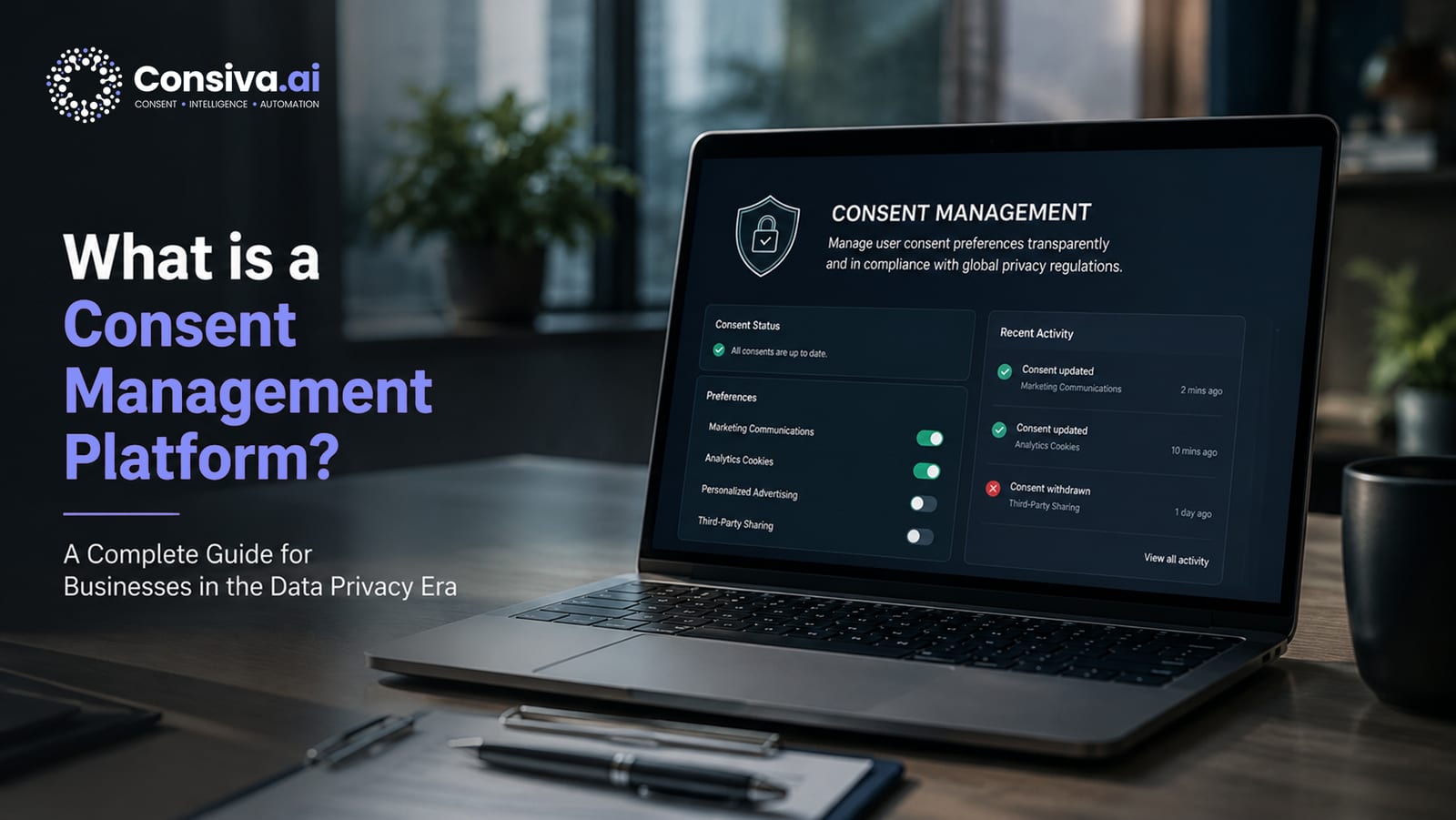
What Is a Consent Management Platform?
Strip it back to basics. A Consent Management Platform — CMP for short — is the software that handles the consent choices of everyone who visits your site or uses your app: what data you collect from them, and what you do with it.
And no, it isn't a cookie banner. That trips a lot of people up. A CMP is the whole setup sitting between your users and the tools that process their data — your analytics, your ad pixels, your CRM.
Underneath, it's doing four jobs. It shows a consent notice that spells out what's being collected and why. It lets people actually choose — accept everything, reject everything, or pick category by category. It enforces that choice by stopping scripts the user never agreed to from running. And it keeps a tamper-proof record of the whole thing, ready to hand over if a regulator comes asking or the Data Protection Board audits you.
That last distinction is the one worth burning into memory: a banner is only the bit you see. A CMP is the entire system — enforcement engine, storage layer, audit trail, withdrawal interface, consent versioning, and downstream API integrations. Ship a banner on its own and you've bought the look of compliance without any of the substance.
Definition: A Consent Management Platform (CMP) is the technical and legal system that collects consent before personal data processing, enforces that consent in real-time, stores immutable consent records, and enables users to withdraw consent as easily as they gave it — as required by DPDP Act 2023, Section 6.
Why CMPs Are Essential Under the DPDP Act
The law is specific about what counts as consent. Under the Digital Personal Data Protection Act 2023, Section 6, consent has to be free, specific, informed, unconditional, and unambiguous — and it has to come from a clear, deliberate action by the user. Pre-ticked boxes? Out. "By continuing to browse, you consent" notices? Out. Bundling five purposes into one tick? Also out.
Section 6(4) adds the part engineers tend to miss. Withdrawing consent has to be as easy as giving it. You can't bury the opt-out behind six menus, make people raise a support ticket, or quietly make "Reject" harder than "Accept". The withdrawal option has to be there, always, and it has to work the moment someone uses it.
Then there's Section 5, which governs the notice itself. It has to name who you are (the Data Fiduciary), the personal data you're collecting, the purpose you're collecting it for, the user's right to withdraw consent, their right to file a grievance, and the third parties you'll share the data with. That's a lot to disclose properly — which is precisely why it needs a configured CMP, not a pop-up someone bolted on in an afternoon.
Skip all this and here's where you land: you're processing personal data — behavioural tracking, analytics, marketing — with no valid legal basis. Under the DPDP Act 2023 Schedule, that can draw penalties of up to ₹200–₹250 Crore per category of violation from the Data Protection Board of India.
How a CMP Works: The Technical Flow
It helps to see what actually happens on the page, because "consent platform" stays abstract until you trace one page load through it. Walking compliance teams through this flow is usually how they finally get their engineers and product managers on the same page.
Stage 5 — enforcement — is the whole ballgame. It's what separates a real CMP from a cookie notice that's just for show. When someone rejects analytics, the enforcement layer makes sure Google Analytics, Hotjar, and Mixpanel never load during that session. And you can check this yourself: open Developer Tools, watch the Network tab, and before consent is given there should be zero requests going out to any analytics domain. If there are, your "consent" is theatre.
7 Must-Have Features of a DPDP-Compliant CMP
- Granular Consent Per CategoryPeople need to be able to accept "Analytics" without accepting "Marketing". A blanket accept/reject is fine to offer, but the granular option has to be there too. Pre-tick any non-essential category and you're already non-compliant.
- Pre-Blocking of Non-Consented ScriptsEnforcement has to physically stop scripts from loading. Just saying "we use analytics" in a banner doesn't cut it if the scripts fire anyway.
- Immutable Consent Audit TrailEvery event — accept, reject, category change, withdrawal — logged with timestamp (UTC), the consent text version shown, categories accepted, a hashed user identifier, and user agent. Tamper-proof, and exportable for Data Protection Board review.
- Easy Withdrawal Mechanism (Section 6(4))A "Cookie Settings" or "Manage Preferences" link on every page, usually in the footer, that reopens the same consent interface. And it takes effect right away — not on the next page load.
- Multi-Language SupportFor businesses serving a broad Indian audience, notices should be available in at least Hindi and English, with regional languages where they matter. Consiva covers all 22 scheduled Indian languages, detecting the browser's language automatically.
- Consent VersioningChange your privacy policy or cookie list in any material way, and the old consents have to be retired and re-collected. The CMP versions each notice and tracks which version each user agreed to, so you can target re-collection instead of pestering everyone.
- API for Downstream SystemsConsent status has to be queryable by your CRM, your email platform, your server-side analytics — the enforcement can't stop at the browser. Someone who withdraws analytics consent shouldn't then get an email triggered by their browsing behaviour.
Cookie Categories Explained
Only strictly necessary cookies are exempt from consent; the other three categories require it.
CMP vs Cookie Banner: What's the Difference?
Quick way to hold the two apart: a cookie banner is a UI element, the bit users see. A CMP is the whole platform powering that banner and everything under it. The gap between them is bigger than it looks.
| Capability | Cookie Banner Only | Full CMP (Consiva.ai) |
|---|---|---|
| Script blocking enforcement | No — tracking fires regardless of choice | Yes — non-consented scripts never load |
| Consent audit trail | No — no legally defensible record | Yes — immutable, timestamped, exportable |
| Consent versioning | No | Yes — tied to policy version hash |
| Withdrawal mechanism | No or buried in settings | Yes — as easy as giving consent (Section 6(4)) |
| Downstream propagation | No — CRM/email still processes data | Yes — consent signals sent to all processors |
| Survives DPB investigation | No — fails substantive compliance test | Yes — legally defensible evidence package |
Here's the trap. A lot of the cheap or free "cookie consent plugins" out there are banner generators, not CMPs. They tick the visual box — there's a notice, look — but fail every test that actually counts. In a Data Protection Board investigation, a banner-only setup can't show that processing rested on valid consent, for the simple reason that the consent was never enforced in the first place.
Ready to Deploy a DPDP-Compliant CMP?
Consiva.ai is India's purpose-built CMP — consent enforcement, 22 Indian languages, and audit-ready records. Start free in under 15 minutes.
Start Free on Consiva.ai — No Credit Card →How Consent Records Are Stored and Audited
A compliant CMP has to store a consent record with all of these fields, for every single consent event:
| Field | Why It's Required |
|---|---|
| Consent Event ID | Unique identifier to tie a consent record to a specific data-processing instance during a DPB audit |
| Consent Version | Exact version of the notice text shown — tied to a content hash — so you can prove the user saw a specific notice |
| Timestamp (UTC, ms) | Precise date and time of consent; required to establish that consent preceded processing |
| Categories Accepted | Granular list of accepted/rejected cookie categories — proves purpose-based consent, not blanket consent |
| User Identifier | Hashed session ID or cookie-based identifier (not raw PII) — links the consent record to the individual without over-collection |
| User Agent | Browser and device type — corroborates the consent interaction and aids fraud detection |
| Hashed IP Address | For bot detection and fraud prevention; hashed, not plain-text, to comply with data minimisation |
| Withdrawal Record | If consent later withdrawn: timestamp and categories withdrawn — required to demonstrate Section 6(4) compliance |
Keep these for at least 3 years — from the consent event, or from the last interaction with the person, whichever is later. And here's a subtlety worth knowing: the consent records serve their own legal purpose (proving processing was lawful), so you can hold onto them for that even after you've erased the underlying personal data under Section 8(7) of the DPDP Act.
The reason all this matters lands during an actual inquiry. When the Data Protection Board asks you to produce the specific consent record that authorised a specific piece of processing, a searchable, exportable audit trail turns that into a two-minute job. Without one, you're facing an evidentiary burden you basically can't meet.
How to Implement a CMP
For a custom HTML/JS site, that's genuinely all it is:
That single tag handles the banner, the enforcement, the consent storage, and the audit logging. One thing to get right: add your analytics and marketing scripts through the Consiva dashboard as "Managed Scripts" rather than dropping them straight into your HTML. The SDK then injects them only after consent is given.
What Happens If You Don't Use a CMP
Run without a compliant CMP and, for every bit of non-essential tracking and analytics, you're processing personal data with no valid legal basis. The fallout is both legal and reputational:
- Data Protection Board penalties: up to ₹250 Crore for failing to implement adequate security safeguards and for unlawful processing (Schedule, DPDP Act 2023)
- Breach of data principal rights: you can't honour a withdrawal request (Section 6(4)) without a CMP — a separate penalty of up to ₹50 Crore
- Regulatory investigation costs: even an investigation that ends in no fine still burns legal, operational, and reputational resources
- Loss of user trust: Indian consumers are getting sharper about privacy by the month. Non-compliant tracking, once it surfaces, chips away at your brand
- Ad platform risk: Google and Meta increasingly expect DPDP-compliant consent signals. Without them, your conversion tracking gets shakier and your remarketing loses its edge
Consiva.ai — India's Native CMP
Consiva.ai was built for the Indian DPDP landscape specifically. Where EU-origin CMPs tend to treat DPDP as one more jurisdiction to bolt on, Consiva started from DPDP's consent-first model, the strict Section 6 standard, and India's 22-language reality.
What sets it apart:
- 22 scheduled Indian languages — with automatic detection from the browser's settings
- DPDP Section 6 consent flow — no pre-ticking, equal weight for Accept and Reject, withdrawal enforced immediately
- Audit-ready consent logs — exportable in the format the Data Protection Board actually wants
- CERT-In breach notification built in — the dual-timer response (6-hour CERT-In and 72-hour DPDP) handled in one place
- Data Principal Rights portal — Access, Correction, Erasure, Grievance, and Nomination requests, with SLA tracking
- WordPress, Shopify, and a custom JS SDK — one-click install for the major platforms
Frequently Asked Questions
No way. The banner is just the front-end bit — the interface. A CMP is the whole system behind it: the logic that enforces consent, the storage, the withdrawal mechanism, the versioning, and the APIs feeding consent status to everything downstream. A banner on its own might look the part, but it'll leave you exposed the moment the Data Protection Board asks to see real evidence that your consent was actually managed and enforced.
Yes. GA4 collects behavioural data — page views, interaction events, session data, device and browser details — and that's personal data processing under the DPDP Act 2023. Before GA4 fires and grabs any of it, you need the visitor's consent for analytics. A CMP is the mechanism that enforces exactly that: GA4 only initialises and fires once the user has explicitly accepted the Analytics category.
You can, but it's an awkward fit. EU CMPs are built around GDPR's legal bases — including legitimate interest, which simply doesn't exist under DPDP. They usually miss the things you'll need: a DPDP consent flow with no legitimate-interest option, support for India's 22 scheduled languages, the Data Protection Board audit export format, and CERT-In breach-notification workflows. An India-native CMP like Consiva.ai is purpose-built for all of that, and keeps you off legal bases that Indian law doesn't recognise.
A minimum of 3 years is recommended as a starting point. DPDP Rules are yet to be finalized, but the idea here is that consent records fulfill a legal purpose — they prove that consent was obtained for each of your processing activities. Thus, they can be stored for this legal purpose (compliance evidence) even after personal data itself has been deleted according to Section 8(7) of the DPDP Act. Consiva stores the consent records for 3 years by default; however, the retention period may be extended as needed.
IAB Transparency and Consent Framework (TCF 2.2) is a standard protocol for transferring consent signals to vendors of the advertising technology in the programmatic ecosystem. The DPDP Act doesn't require you to be compliant with IAB TCF. However, if you conduct programmatic advertising campaigns via ad exchanges (Google Ad Manager, The Trade Desk, Index Exchange), your CMP should be able to handle TCF because otherwise, your partners won't receive the consent signal and will send the targeting ads to users who haven't given their consent.
Deploy India's Best CMP in 15 Minutes — Free
Consiva.ai: DPDP-compliant consent management, 22 Indian languages, and audit-ready logs. No credit card to start.